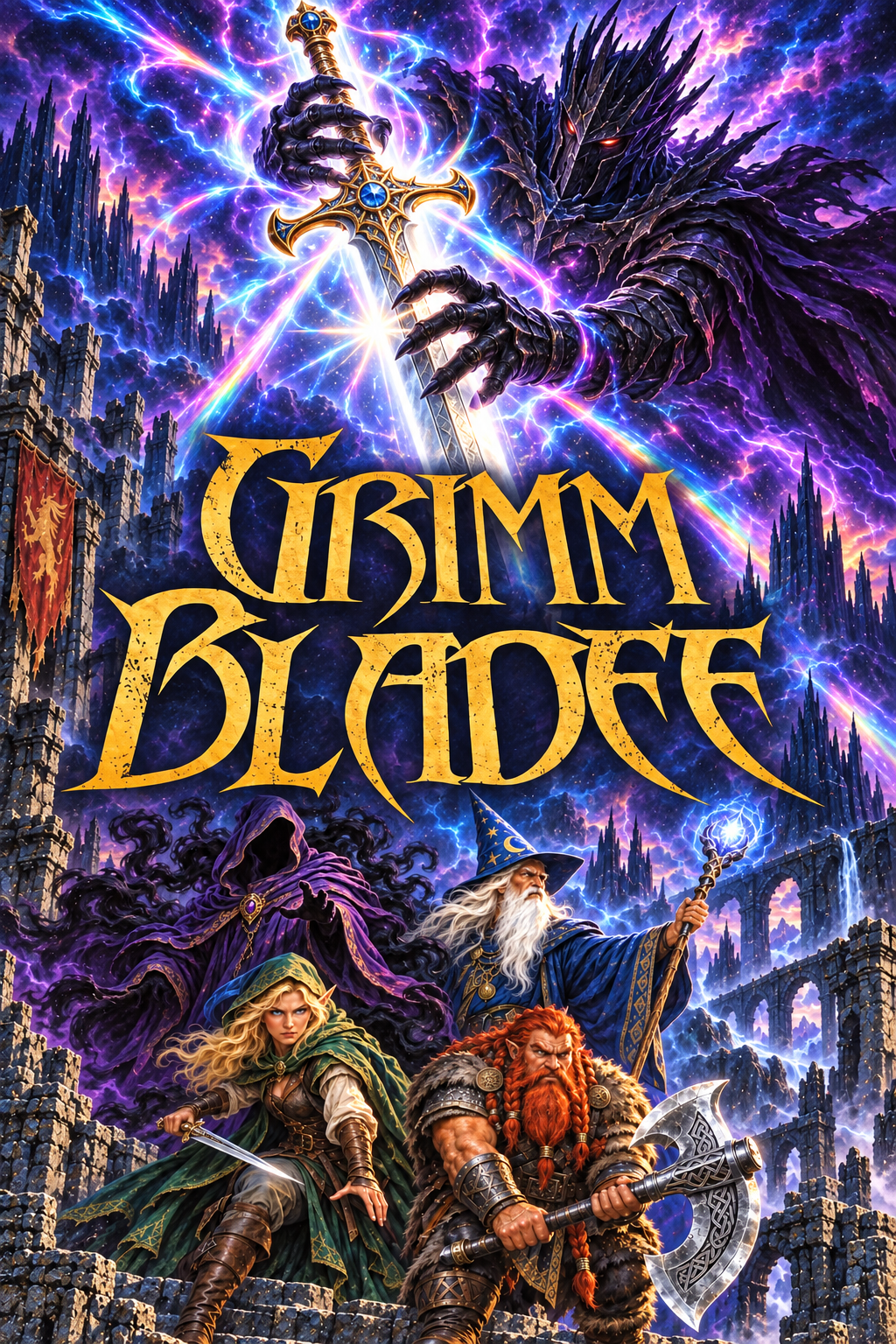

3.0.3 · FreeDARK FANTASY RPG
GrimmBladee
Build your adventurer, gather companions, and journey through a world of tactical battles and hidden discoveries.
Official 4.2.0 Build 20.2 · $4.99 USD · Coming soon
 YouTube

Install and play free GrimmBladee 3.0.3. Recover future purchases with your purchase email or permanent license key, and move your save files between computers. Enjoy quiet ambient music between game tabs.
Run setup, then open the SS desktop icon.
No account needed.
The setup installs the native Windows app with desktop and Start menu shortcuts. Microsoft .NET Framework 4.8 is required; setup checks for it. You can remove the launcher from Windows Settings while keeping your games and saves. This release is unsigned, so Windows may display an unknown-publisher warning.
Game updates go through the launcher and stay within your edition. Free GrimmBladee 3.0.3 receives no game updates unless Sender Studios explicitly approves a free update. Checking manually follows the same rule. Buying a paid edition will cover updates for that edition, without switching to a separately sold edition. Paid 4.2.0 is coming soon; purchase verification will be connected before paid downloads open. Launcher updates remain separate, and updates wait while you play.

Take up a legendary blade. Survive a chaotic closing shift. Find your next adventure here.
One free adventure. Two releases on the horizon.
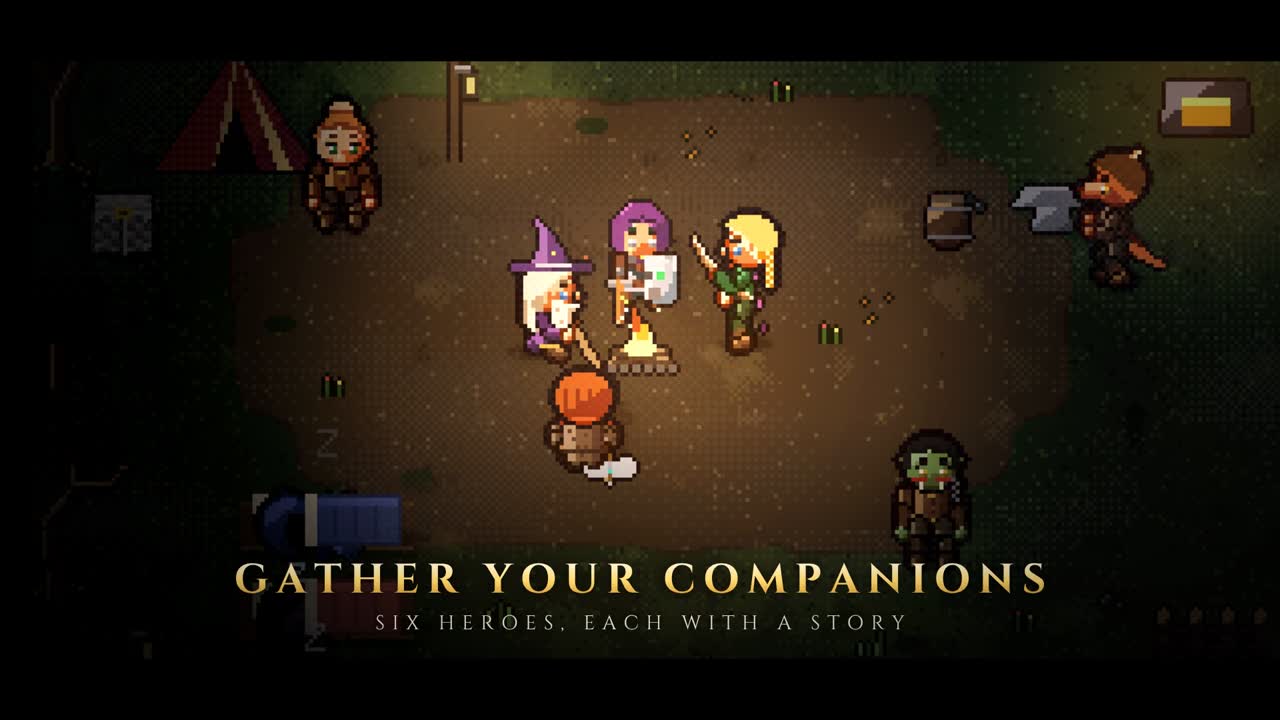
Build your adventurer, gather companions, and journey through a world of tactical battles and hidden discoveries.
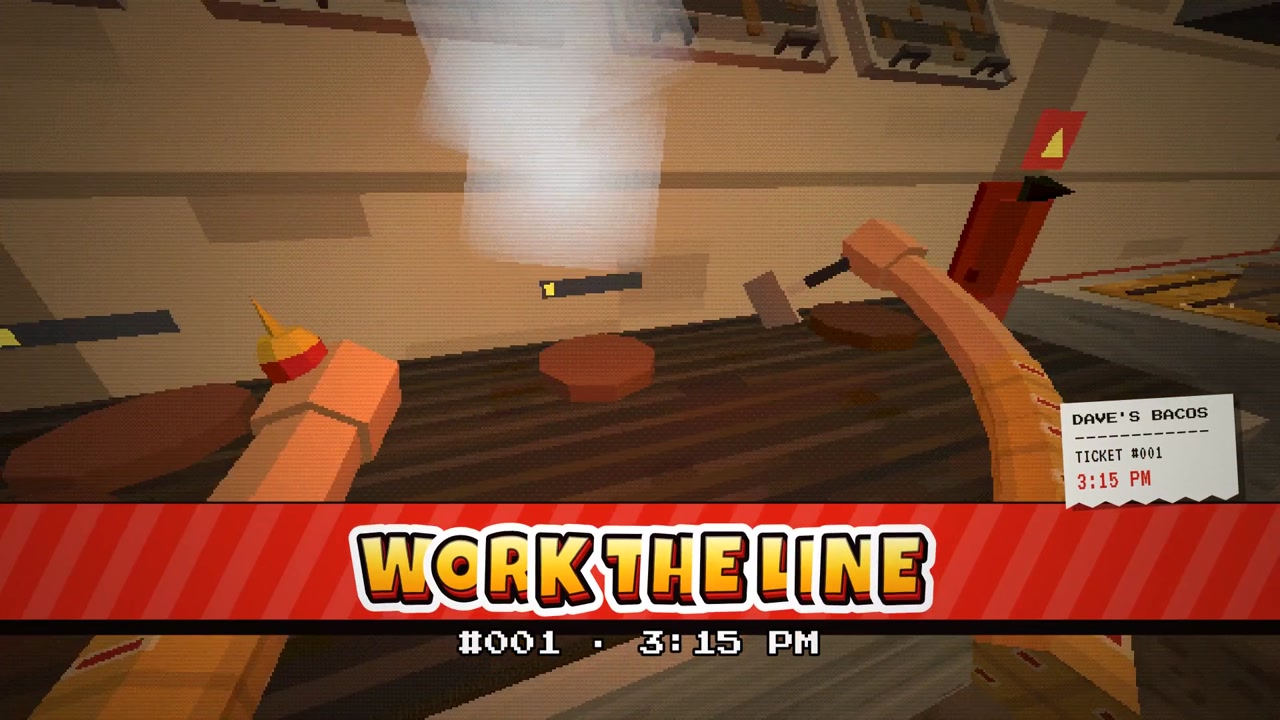


Your goal is simple: close the kitchen on time. The unpredictable customers and ridiculous closing shift have other plans.
Choose a game to explore its page.
Version 3.0.3 · Windows · Dark fantasy RPGReleased · Free
 Coming Soon
Plan your build, explore the illustrated item catalogue, and follow the game’s journey through expandable release notes.
Open the GrimmBladee wiki
Follow our games from the first trailer to the next release. This is the official home for Sender Studios announcements, game guides, and downloads.
Follow Sender Studios on YouTube